
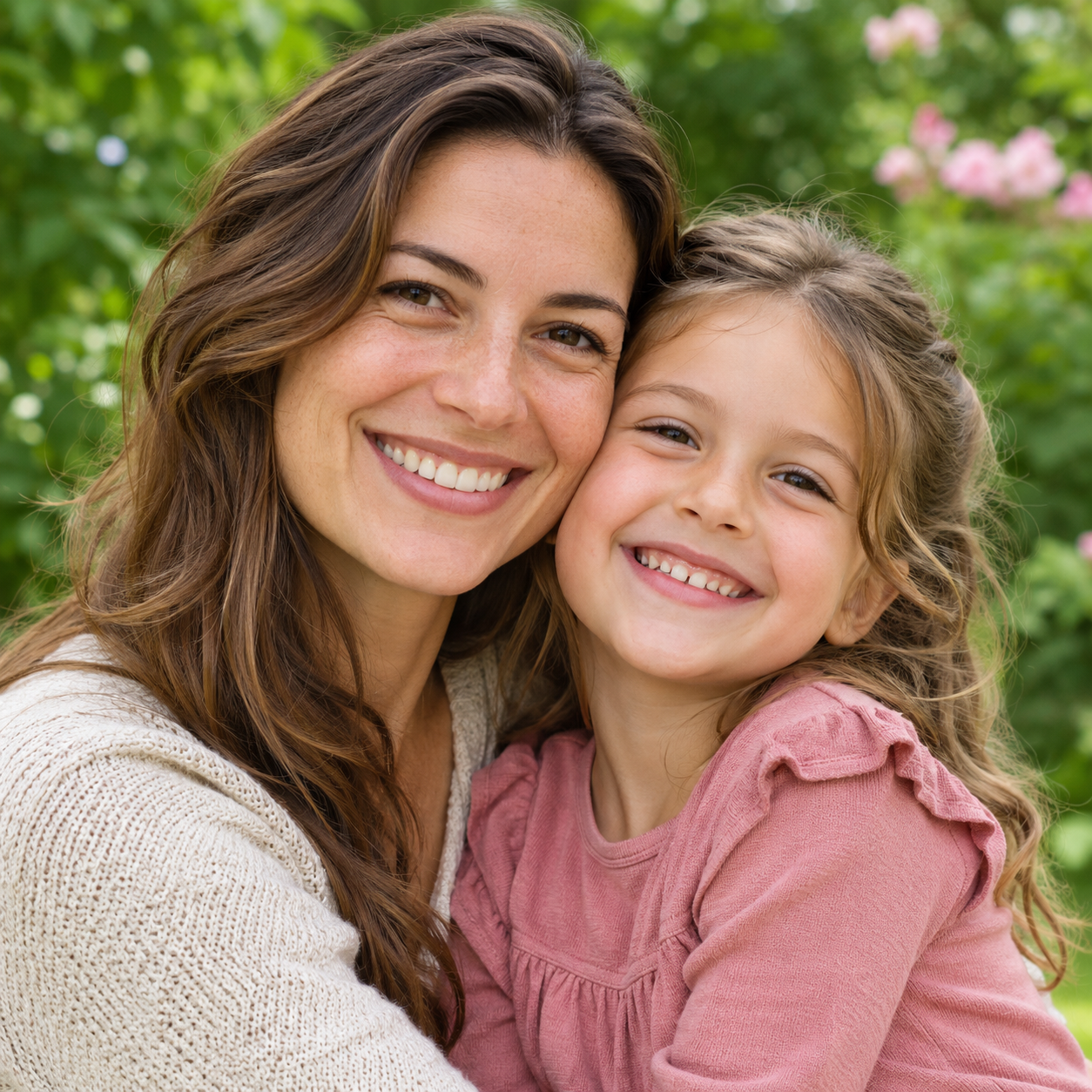
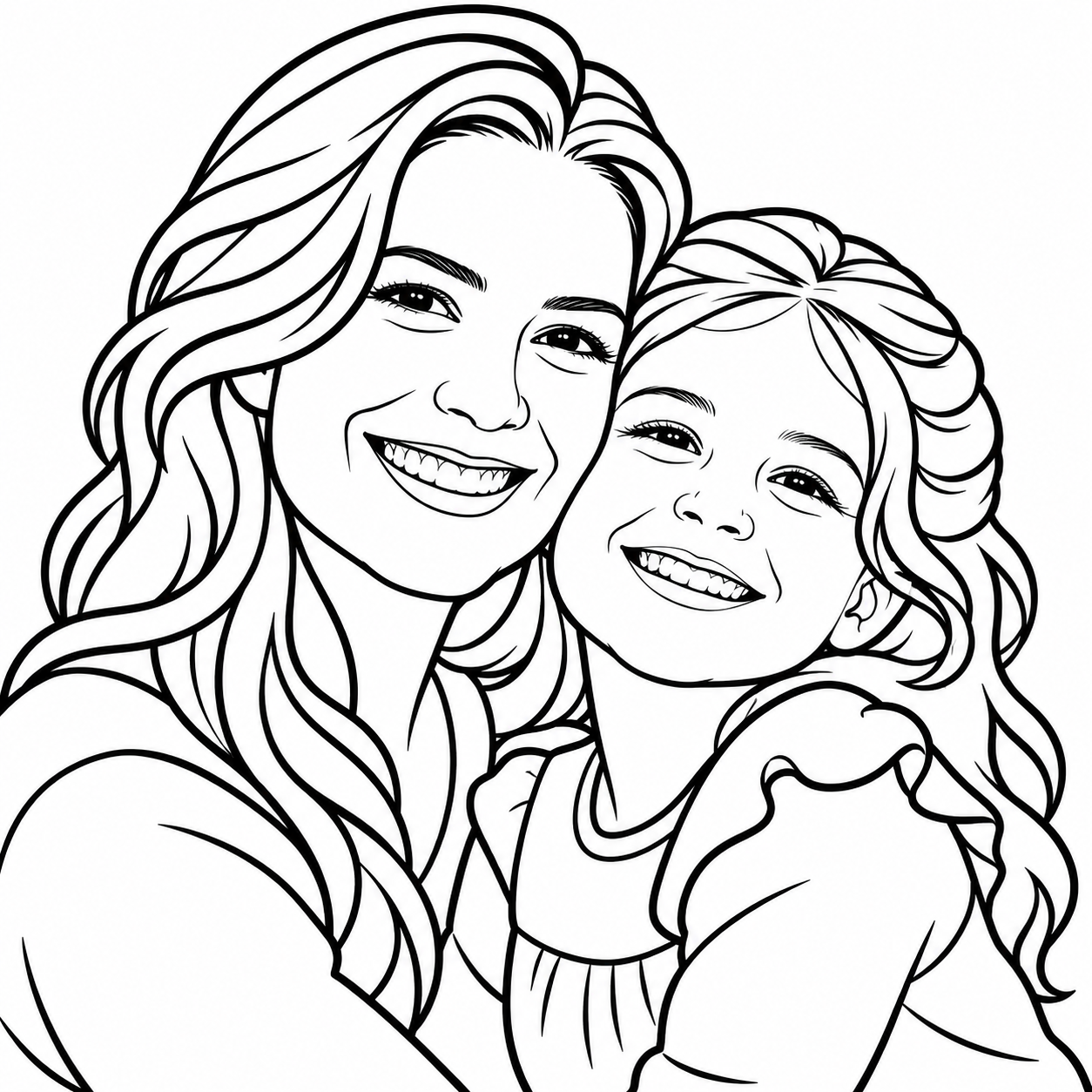
Their favorite moments. Their next masterpiece.
Make coloring time personal with photos of family, pets and favorite things.
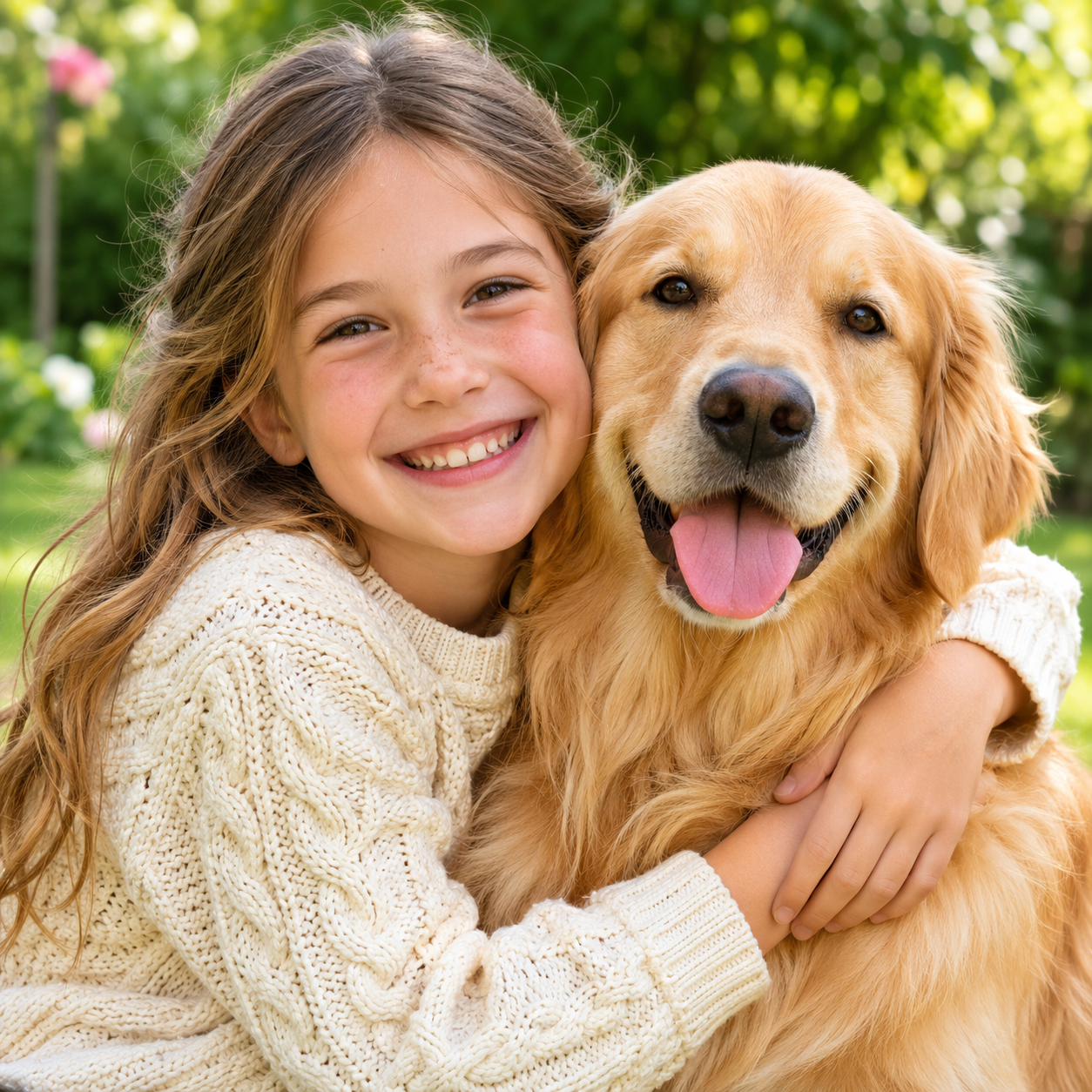
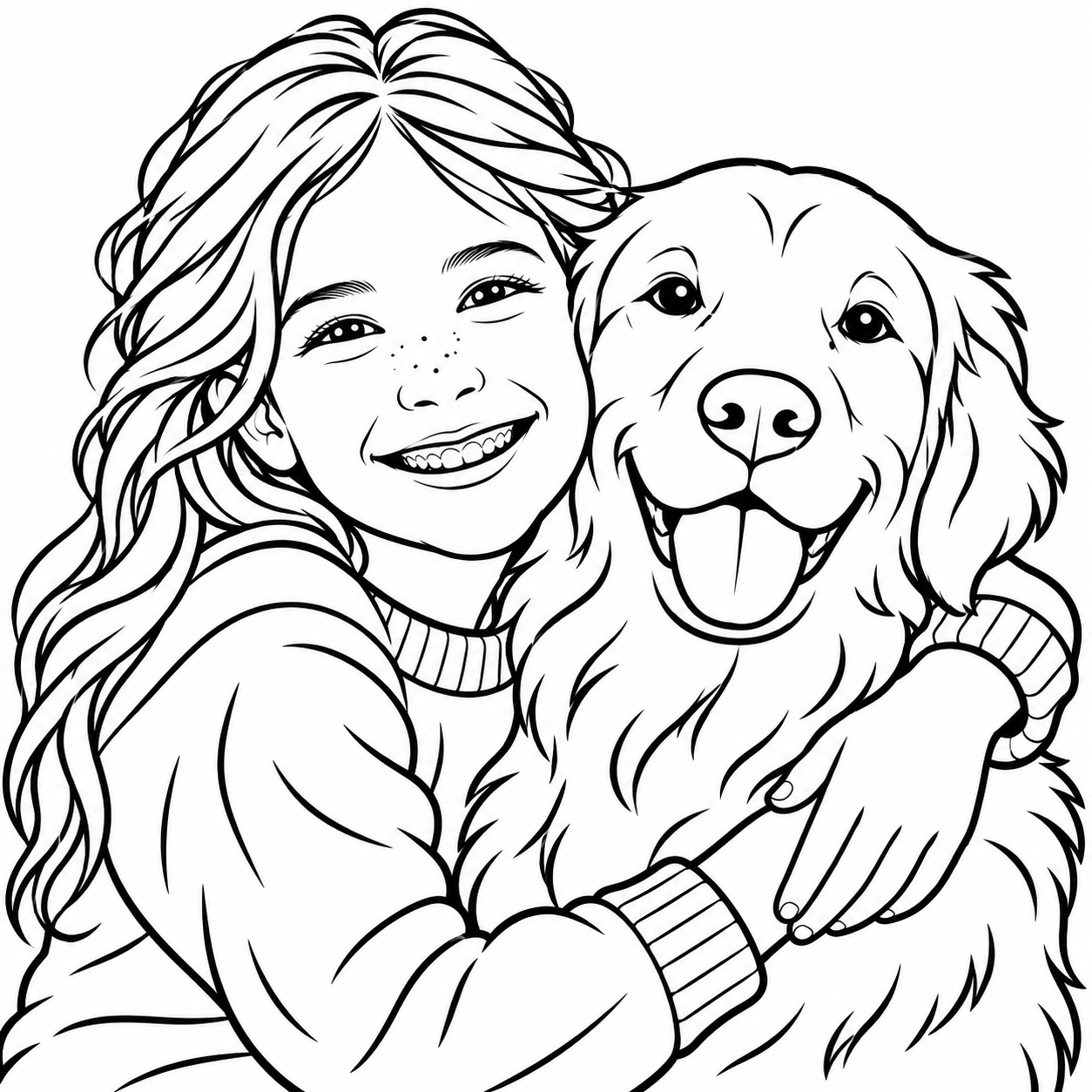
20 welcome credits · Your first 2 pages are on us
Pick a photo, choose a style, and let the coloring begin.
Your photo is sent to our AI provider for conversion. Results are saved privately to your account.
Add a photo above to get started.
Add a photo and choose a style. Your coloring page will appear here.
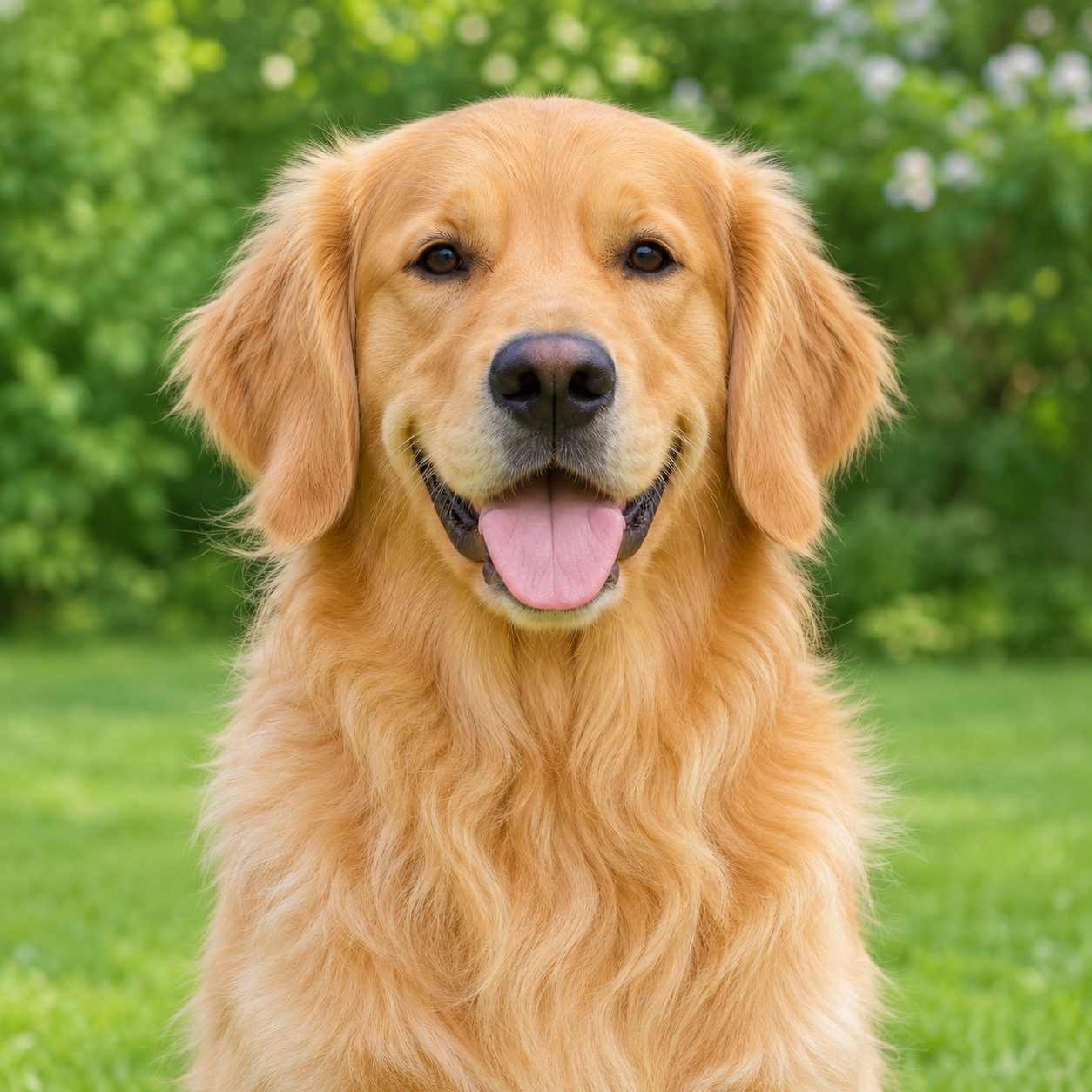
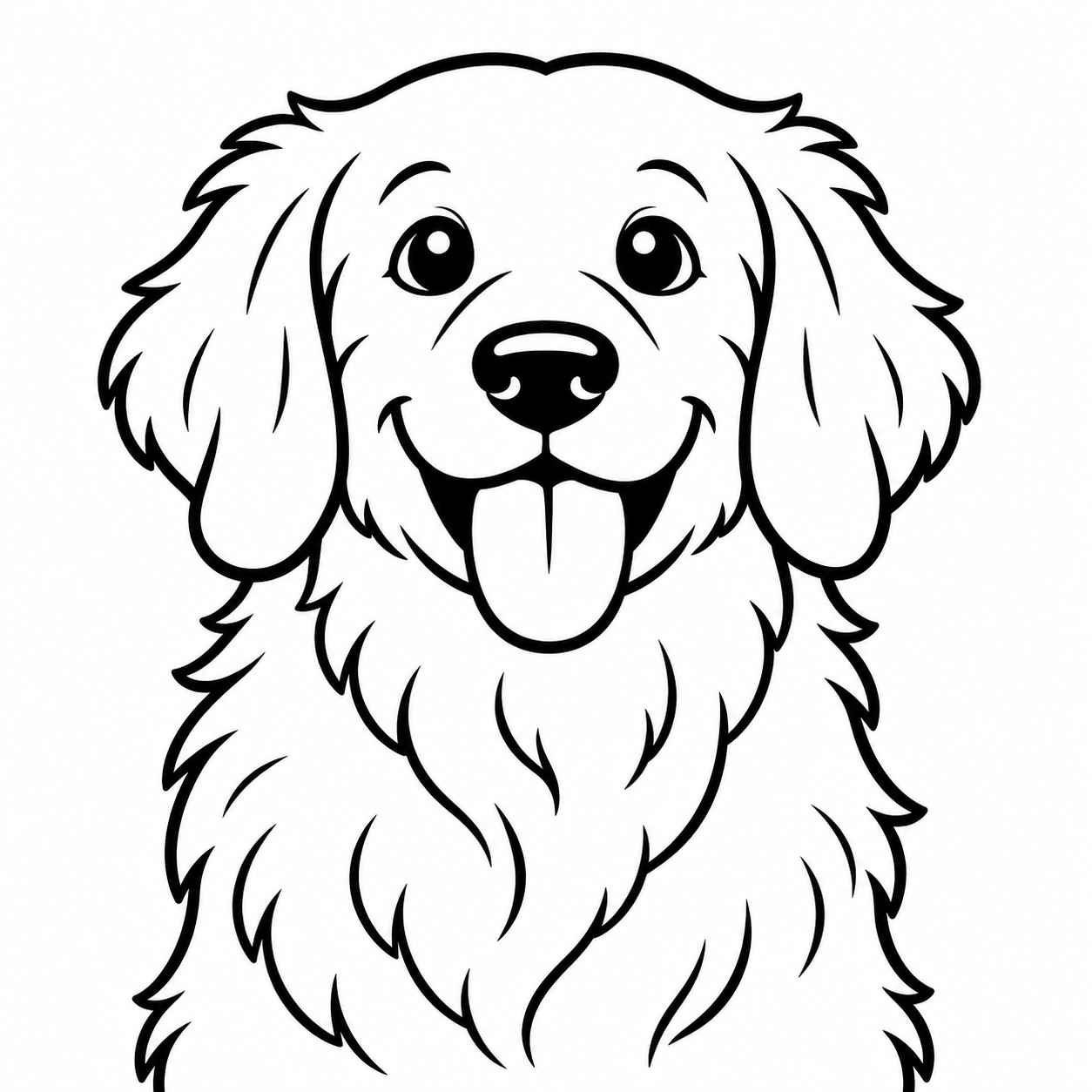
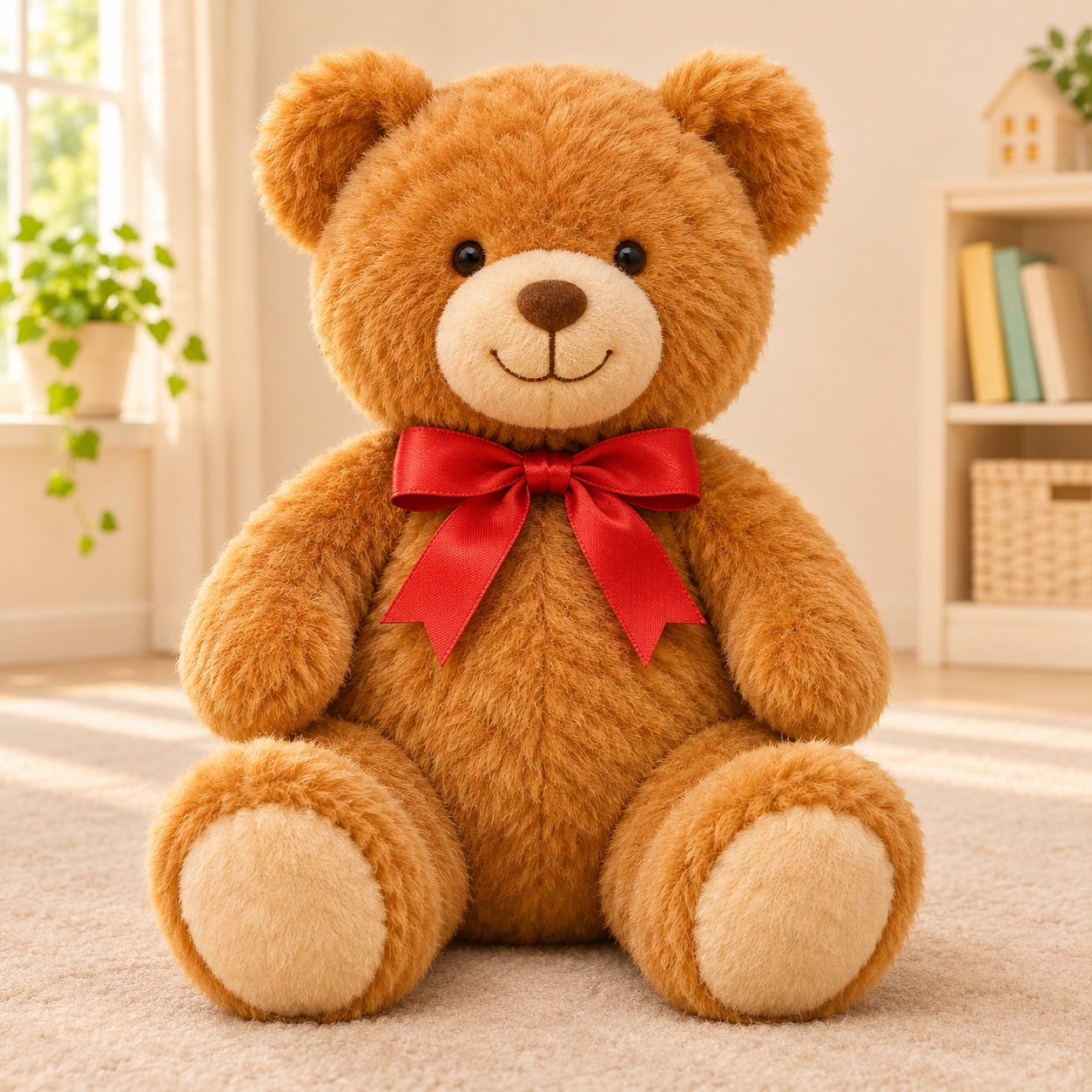
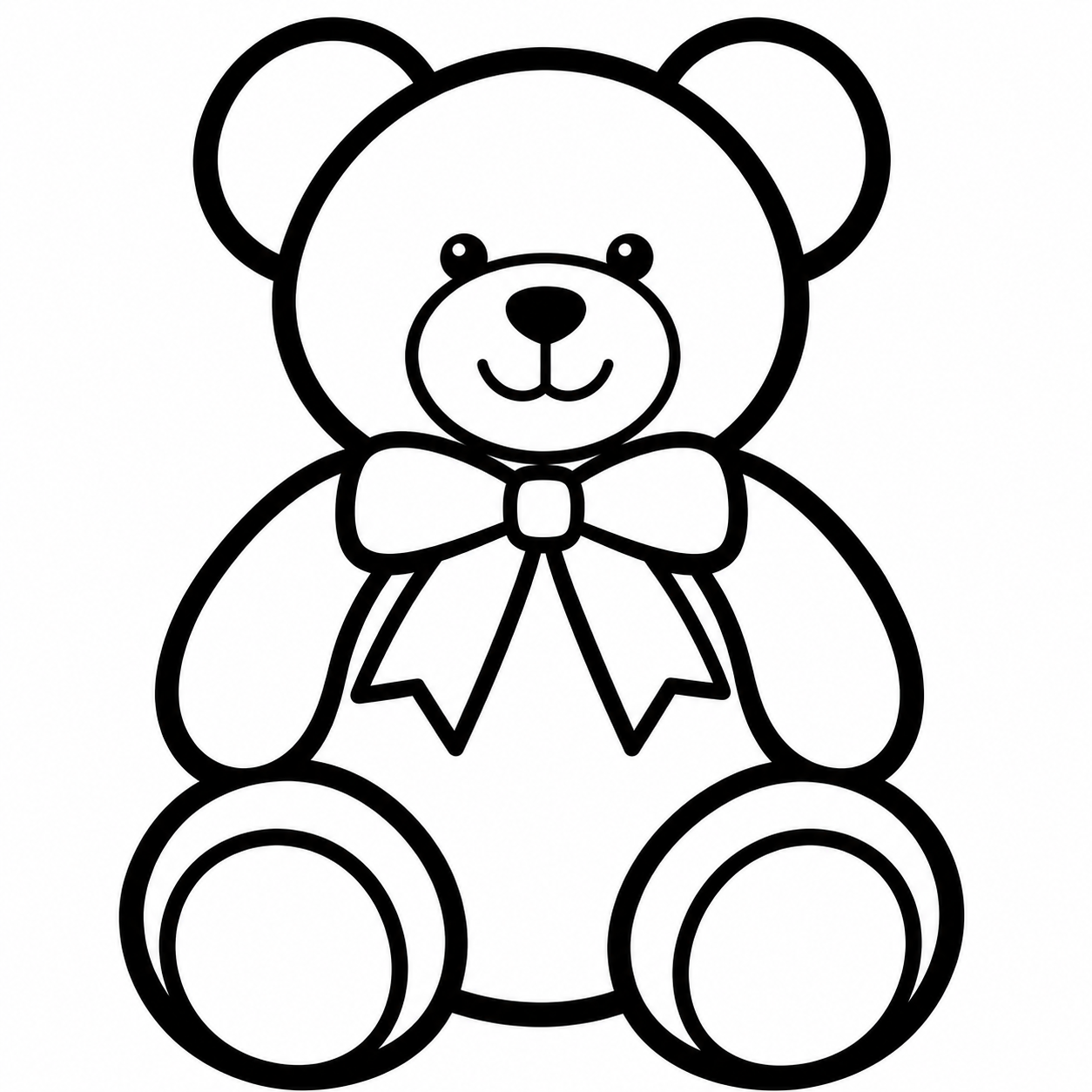
Start with a photo where the person, pet or favorite object is easy to recognize. Soft daylight from a window or an outdoor spot in the shade helps separate facial features without deep shadows. For portraits, a face looking toward the camera is a useful starting point, especially when you want a familiar smile to stand out. Let your subject fill about half the frame or more, with a little room around heads, ears and paws. A plain wall, lawn or uncluttered room gives the coloring page fewer background details to compete with. For pets, choose a still moment with clear eyes and visible fur markings rather than a blurry action shot. An everyday phone photo is usually enough; you do not need a studio camera. Check that it looks sharp before uploading, and use a photo you have permission to share.
Think about who will hold the crayons and how much time they want to spend coloring. The same photo can suit a quiet afternoon with pencils or a lively table of younger children. These ideas can help you choose a starting style.
Choose Classic when recognizing the original subject is part of the fun. Older children can spend time on small features, while adults may enjoy choosing realistic colors for a familiar face or a beloved pet. A clear animal portrait is a good starting point for noticing patches of fur, ears and the shape of a nose. Set out colored pencils for a slower activity, and invite everyone to compare their finished page with the photo rather than race to fill every space.
Cartoon works well when the activity is about playful storytelling. Preschoolers can invent a name for the character, choose unexpected colors and explain what happens next. At a birthday party, a picture of the birthday child or a favorite toy can become a shared table activity. For a class, an adult can prepare a suitable image before the lesson and ask children to describe their choices. It is a friendly option for groups where enjoying the process matters more than matching the photograph.
Pick Bold Outline for younger children who are still learning to hold a crayon or guide a pencil. Larger coloring areas give them room to make broad strokes without concentrating on lots of tiny details. Try a photo with one clear subject, such as a teddy bear, a familiar pet or a single flower. Put out chunky crayons and let children work at their own pace. This style is also useful for a short activity when attention spans or available table space are limited.
Chibi is a cheerful choice for children who love cute characters with oversized heads and expressive faces. Try a clear portrait as the starting point for an imaginary adventurer, or choose a small group photo of friends for a shared coloring session. Leave space between faces in the original photo so each person is easier to distinguish. Children can invent matching outfits, team colors or a story for the group. Review the result together and enjoy the character interpretation rather than expecting an exact likeness.
A photo to coloring page activity starts with something children already care about. Choose a memory they can talk about while they color, then leave room for their own ideas. A familiar picture can become a small project to share, display or give to someone special.
Turn a favorite birthday portrait into an activity for the celebration. Prepare the page before guests arrive, set out crayons and let each child choose a different color story. A parent can write the date on finished sheets to make a keepsake. For younger guests, choose a simple photo and a style with generous spaces rather than lots of party decorations.
A sleepy cat or a dog sitting by the door gives children a subject they know well. Ask which markings make their pet recognizable, then let them decide whether to copy those colors or invent new ones. A clear portrait keeps the focus on the animal. The finished page can join a child's drawings in a scrapbook or on the fridge.
Choose a family photo with faces close enough to see clearly, especially for a picture of children with their grandparents. Coloring together can prompt stories about the day the photo was taken. Children can add a handwritten message after printing and give the finished page as a personal gift. Use a photo everyone pictured is comfortable having processed for the activity.
Teachers can prepare a page from their own suitable photo for a lesson about animals, familiar objects or storytelling. Use an image you have permission to upload and avoid including pupils without the necessary consent. After printing, children can color, label or cut out their work with supervision. Free library pages also offer a starting point for non-commercial classroom activities.
Each successful generation includes a single-page US Letter PDF, sized at 8.5 by 11 inches, as well as an original-resolution PNG. For a straightforward print, open the PDF and select the paper loaded in your printer. On US Letter paper, start with Actual size or 100%. If you use A4, select A4 in the print dialog and choose Fit or Fit to page so the Letter page stays inside the printable area. Avoid a setting that fills the sheet by cropping the edges. Ordinary printer paper works well for crayons and colored pencils. Cardstock can suit a sturdier gift or craft, provided your printer supports its thickness. Always check the print preview for clipped edges, orientation and margins before printing.
Choose a photo of a person, pet or favorite thing.
Pick one of four coloring styles.
Download your PNG or printable PDF and have fun coloring!
10 credits per coloring page. Your first two are on us.
Upload a photo, choose a style and generate your own coloring page. Each generation uses 10 credits. New accounts receive 20 welcome credits.
Choose Classic for natural lines, Cartoon for playful shapes, Bold Outline for simple thick lines, or Chibi for cute characters. Every style uses 10 credits per generation.
Yes. Every successful generation includes an original-resolution PNG and a single-page US Letter PDF. Downloads do not use extra credits. Check your print preview before printing.
Your photo is sent to our AI provider to create your coloring page. Temporary input uploads expire after 24 hours. Finished coloring pages are stored privately and can be downloaded from your account.
Choose a sharp, well-lit photo with one clear subject and a simple background. Faces looking toward the camera and pets with visible eyes are helpful starting points. A phone photo is usually enough. Make sure heads, ears and paws are not cropped out, and avoid blurry images.
Yes. Your download includes a single-page US Letter PDF and an original-resolution PNG. To print the PDF on A4, select A4 paper and Fit or Fit to page in your printer settings. Check the preview to make sure the whole page fits without cutting off the edges.
Yes. Teachers may print generated coloring pages for their class, provided they have the necessary rights to the photo and permission for anyone pictured. Free library pages may also be printed for non-commercial classroom activities. The library license does not allow selling the files or republishing them as your own library.
After you upload a photo and choose a style, generation may take a minute; the exact time can vary. Each generation uses 10 credits, and new accounts receive 20 welcome credits. When your page is ready, you can download the PNG and PDF, or find it in your account.